LangGraph Interrupts in Production: Human Approval Without Losing State
LangGraph interrupts make human approval durable, but only if you design for checkpoints, replay, and idempotent side effects.

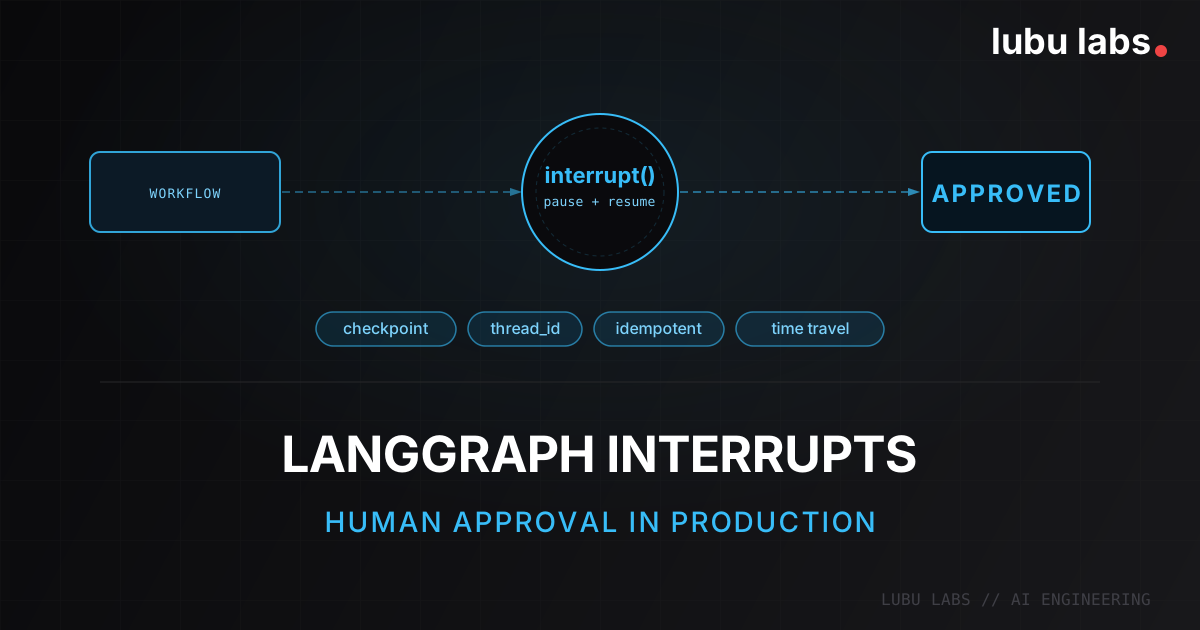
This week LangChain is running Interrupt — their flagship conference on agents in production. It felt like the right moment to write about the LangGraph primitive that shares its name: the
interrupt()function, and what it actually takes to get it right in a production system.
I have seen teams add an "Approve / Reject" button to an AI workflow in a single afternoon. The demo looks convincing: the model drafts an action, a human reviews it, and the system continues. Everyone leaves the meeting thinking the hard part is done.
It is not. The hard part starts once the workflow pauses for six hours, the worker process restarts, the reviewer answers from a different machine, and the graph needs to continue without losing state or replaying a side effect.
LangGraph interrupts are powerful because they treat that pause as a durable control-flow primitive, not a UI trick. Used correctly, they give you checkpointed state, resumable execution, and a clean approval boundary. Used carelessly, they give you duplicate writes and confusing retries.
This is the production lesson: interrupt() is not a modal dialog primitive. It is how you tell the graph to persist state, wait indefinitely, and resume later under the same thread_id.
Problem
The workflows that benefit most from interrupts are usually the ones where a bad action actually matters:
- refund approval,
- CRM updates,
- outbound email or contract delivery,
- patient-facing or compliance-sensitive responses.
In those workflows, the technical requirements are stricter than "wait for a button click":
- pause a workflow for hours or days without holding state in memory,
- resume with the exact same graph state after a deploy or process restart,
- avoid replaying non-idempotent writes,
- keep an audit trail of what was reviewed and approved,
- debug the run later when someone asks, "why did this continue?"
The obvious approaches fail fast: in-memory waiting dies with the process, custom polling loops recreate half a workflow engine badly, and putting the side effect before the approval gate duplicates records once the node replays on resume.
We ran into the same underlying issue in other agent systems too: once the workflow touches real tools, you are no longer debugging a single model response. You are debugging a sequence of state transitions plus side effects. That is the same reason observability mattered so much in our AI SDR chatbot with LangSmith, and it is also why I still push teams to choose frameworks based on production constraints rather than trendiness, as I wrote in AI Framework vs. Custom Stack.
Reality check: human approval is not primarily a UI problem. It is a persistence, replay, and side-effect safety problem.
How Interrupts Actually Work
LangGraph's interrupt() pauses execution inside a node and returns control to the caller. To make that pause durable, the graph needs a checkpointer, and every execution needs a stable thread_id so LangGraph knows which saved state to load on resume.
The most important production detail is easy to miss: when you resume, the node containing interrupt() runs again from the beginning. LangGraph does not continue from the exact line after the interrupt. It re-executes the node and injects the resumed value back into the interrupt() call.
That single behavior explains most production bugs around interrupts.
Minimal example:
from typing import TypedDict

from langgraph.checkpoint.memory import MemorySaver
from langgraph.graph import END, START, StateGraph
from langgraph.types import Command, interrupt


class ApprovalState(TypedDict):
    action_details: str
    approved: bool | None


def approval_node(state: ApprovalState) -> dict:
    approved = interrupt(
        {
            "question": "Approve this action?",
            "details": state["action_details"],
        }
    )
    return {"approved": approved}


def done_node(state: ApprovalState) -> dict:
    return {"approved": state["approved"]}


graph = (
    StateGraph(ApprovalState)
    .add_node("approval", approval_node)
    .add_node("done", done_node)
    .add_edge(START, "approval")
    .add_edge("approval", "done")
    .add_edge("done", END)
    .compile(checkpointer=MemorySaver())  # durable checkpointer in production
)

config = {"configurable": {"thread_id": "refund-42"}}

first = graph.invoke(
    {"action_details": "Refund order #9241 for $500", "approved": None},
    config,
)
print(first["__interrupt__"])

final = graph.invoke(Command(resume=True), config)
print(final["approved"])
What matters here:
thread_idis the durable pointer back to the saved checkpoint.- The interrupt payload is JSON-serializable and can be rendered in your app.
- Resume happens by invoking the graph again with
Command(resume=...). - The pause is durable only because the graph has a checkpointer.
This is why interrupts feel different from ordinary async control flow. They are built for workflows that stop and continue across real process boundaries.
The Production Pattern That Works
The cleanest pattern I have used is a three-step graph:
- Prepare the action and assemble the approval payload.
- Pause for human review with
interrupt(). - Perform the side effect after approval, not before.
That keeps the replay boundary obvious. Preparation can replay safely. The side effect only happens after the human decision has been captured.
from typing import Literal, TypedDict

from langgraph.checkpoint.memory import MemorySaver
from langgraph.graph import END, START, StateGraph
from langgraph.types import interrupt


class RefundState(TypedDict):
    order_id: str
    amount_cents: int
    operation_id: str
    approval_payload: dict
    approved: bool | None
    status: Literal["pending", "approved", "rejected"]


def prepare_refund(state: RefundState) -> dict:
    operation_id = f"refund:{state['order_id']}:{state['amount_cents']}"
    return {
        "operation_id": operation_id,
        "approval_payload": {
            "question": "Approve customer refund?",
            "order_id": state["order_id"],
            "amount_cents": state["amount_cents"],
            "operation_id": operation_id,
        },
        "status": "pending",
    }


def approval_gate(state: RefundState) -> dict:
    approved = interrupt(state["approval_payload"])
    return {"approved": approved}


def route_after_approval(state: RefundState) -> Literal["commit_refund", "reject_refund"]:
    return "commit_refund" if state["approved"] else "reject_refund"


def commit_refund(state: RefundState) -> dict:
    payments.refund(
        order_id=state["order_id"],
        amount_cents=state["amount_cents"],
        idempotency_key=state["operation_id"],
    )
    return {"status": "approved"}


def reject_refund(state: RefundState) -> dict:
    return {"status": "rejected"}


graph = StateGraph(RefundState)
graph.add_node("prepare_refund", prepare_refund)
graph.add_node("approval_gate", approval_gate)
graph.add_node("commit_refund", commit_refund)
graph.add_node("reject_refund", reject_refund)
graph.add_edge(START, "prepare_refund")
graph.add_edge("prepare_refund", "approval_gate")
graph.add_conditional_edges("approval_gate", route_after_approval)
graph.add_edge("commit_refund", END)
graph.add_edge("reject_refund", END)

app = graph.compile(checkpointer=MemorySaver())
The production advantages are straightforward:
- the approval payload is explicit and easy to render in a product UI,
- the side effect is isolated in its own node,
- the refund call is guarded by an
idempotency_key.
This same separation works for more complex LangGraph systems too. You are adding a durable pause and a safer side-effect boundary, not reinventing the graph. That fits well with the explicit orchestration style I used in our real-world LangGraph agent build.
Failure Mode: The Duplicate Write Bug
The most common interrupt mistake is putting a non-idempotent side effect before interrupt().
This looks innocent:
def approval_node(state: RefundState) -> dict:
    audit_id = db.create_audit_log(
        {
            "order_id": state["order_id"],
            "action": "refund_requested",
        }
    )
    approved = interrupt("Approve refund?")
    return {"approved": approved, "audit_id": audit_id}
When the graph resumes, approval_node starts again from the top. db.create_audit_log(...) runs a second time. If that call inserts a new row each time, you now have duplicate audit records. I have seen teams misdiagnose this as "LangGraph retried unexpectedly." In reality, the graph behaved correctly. The node was written as if everything before interrupt() would run exactly once.
The fix is one of these:
- move the side effect to a node after approval,
- replace
createwith an idempotentupsert, - attach an operation key and make the external system respect it,
- separate preparation from mutation so replayable code stays replayable.
The rule: if a node can replay, everything before
interrupt()must be safe to replay too.
This is one of those places where frameworks do not remove production complexity. They mostly force you to be explicit about it.
Time Travel Is the Hidden Superpower
Interrupts become much more useful once you connect them to LangGraph persistence and time travel. Because the graph is checkpointed, you can inspect state history, replay from a prior checkpoint, and fork the thread with modified state.
from langgraph.types import Command


config = {"configurable": {"thread_id": "refund-42"}}
history = list(app.get_state_history(config))

# History is returned newest first.
before_approval = next(s for s in history if s.next == ("approval_gate",))

# Replay from a checkpoint.
replayed = app.invoke(None, before_approval.config)

# Fork from the same checkpoint with different state.
fork_config = app.update_state(
    before_approval.config,
    values={"amount_cents": 15000},
    as_node="prepare_refund",
)

# Important: the interrupt fires again on the fork.
fork_pause = app.invoke(None, fork_config)
fork_final = app.invoke(Command(resume=True), fork_config)
Three details matter here:
get_state_history()gives you checkpoint-level visibility into what the graph knew at each step.update_state()does not roll back history. It creates a new checkpoint branch.- If you replay or fork through a node with
interrupt(), the interrupt fires again and waits for a new resume value.
That last point matters because replay is real execution. Downstream nodes run again. API calls run again. Interrupts run again. If you want a passive audit trail, use traces and state history. If you want to explore behavior from an earlier point, use replay and fork intentionally.
Warning: time travel is not log inspection. It is controlled re-execution.
Takeaway
LangGraph interrupts are one of the cleanest ways to add human approval to a production workflow, but only if you respect what they actually are: checkpointed, replayable control flow.
What actually ships well:
- Treat
thread_idas part of the architecture. Without it, there is nothing durable to resume. - Keep side effects after approval whenever possible. The replay boundary stays obvious and much safer.
- Make every pre-interrupt mutation replay-safe. If it cannot replay, move it or make it idempotent.
- Use time travel to debug real workflow behavior. Checkpoints, replay, and forks are practical engineering tools, not just nice demos.
- Design approval payloads like APIs. Keep them explicit, structured, and easy to audit later.
If you are building workflows that touch money, CRM records, or patient communication, this pattern is worth getting right early. The cost of not doing it is usually not "the graph failed." It is worse: the graph appears to work, until a replayed node performs the same action twice.
Need help shipping reliable LangGraph workflows? Let's talk.